Professional File Sharing for Agencies
Deliver edits, exports and supporting project files through one professional link. Let clients preview supported file in the browser and keep delivery activity visible.
Keep the Complete Delivery in One Place
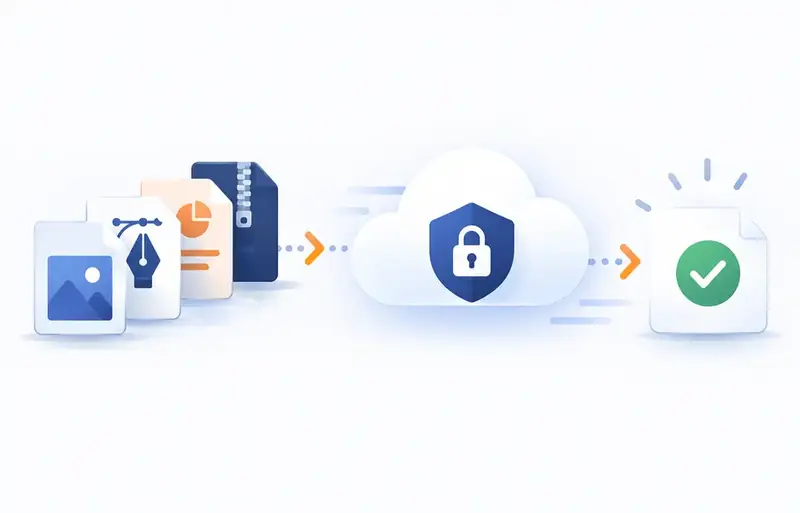
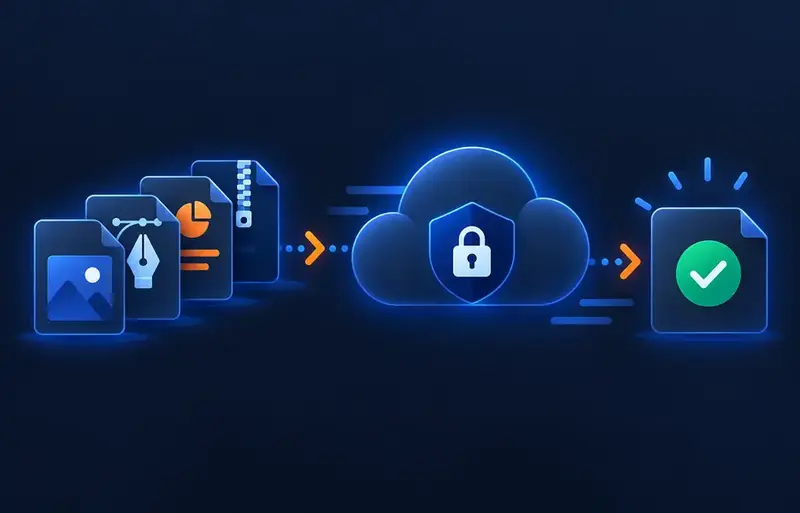
Final delivery often includes more than one file. SendByCloud lets agencies group exports, alternate cuts, audio, images and supported documents into one organised delivery link.
Clients receive a structured recipient page instead of searching through multiple emails, messages and download links.
Let Clients Preview Supported File
Supported file is processed for browser playback so the recipient can watch from the delivery page before downloading. This helps the client identify the correct file and understand the delivery before starting a large download.


Know When the Delivery Moves Forward
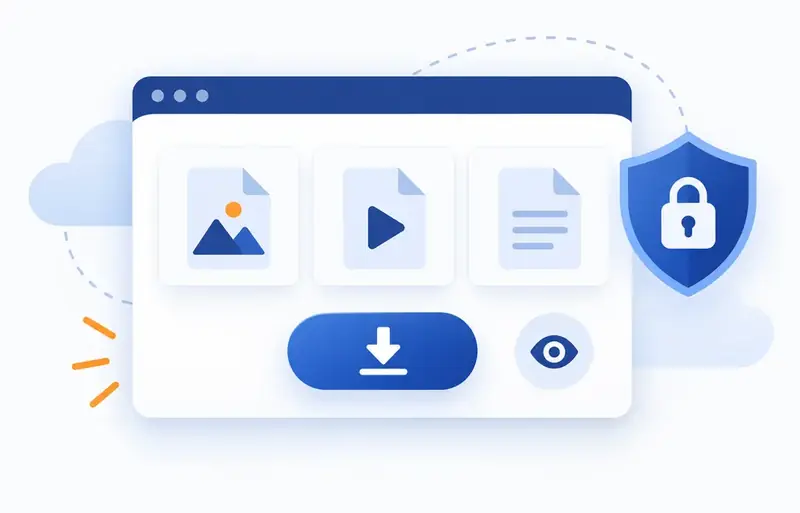
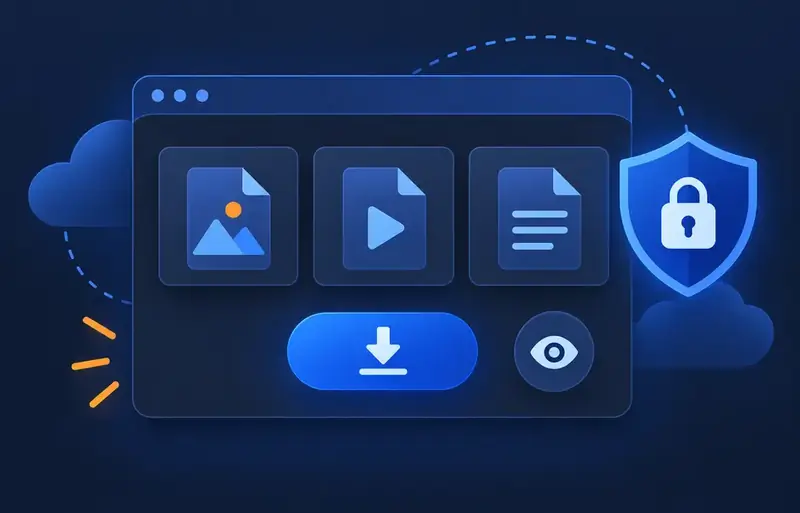
View and download activity helps editors understand whether a delivery has been opened or retrieved. It provides useful delivery visibility without representing client approval or acceptance.
How the Delivery Workflow Works
Upload the project delivery
Add final files and supporting files.
Wait for preview readiness
Supported file is prepared for browser playback.
Check before sharing
Preview supported files and confirm the correct delivery.
Protect and send
Choose appropriate password, expiry or download settings and share the link.
Follow the activity
See genuine recipient view and download events.
Delivery Controls for Client Work
Password-Protected Links
Add password protection to selected client deliveries.
Expiring Deliveries
Use expiry settings for projects that should remain available for a limited period.
One-Time Download
Use one-time download when the delivery should permit one successful retrieval.
Automatic Removal Option
When enabled, the SendByCloud-hosted file can be removed after the permitted download completes.
Useful Across File Workflows
Freelance Editors
Deliver finished exports and supporting assets through a professional recipient page.
Production Companies
Share final cuts and production documents through a structured delivery link.
Agencies
Deliver campaign files and related creative files without splitting the handoff across messages.
Content Teams
Keep multiple exports organised in one delivery and retain visibility of genuine recipient activity.
File Editor Delivery FAQs
Give Every File Project a Professional Delivery
Upload, preview, protect and deliver your file project through one clean client-facing link.