Send Large Files Online with Confidence
Send large files online without email attachment limits. Share up to 7 GB for free as a guest, with a 3-day expiry, or up to 30 GB with a registered free account and a 7-day expiry.
Files too large for email?
Email attachments are usually limited to 25MB. When your video, presentation, or folder exceeds that limit, SendByCloud delivers it securely and professionally. Move beyond bounce-backs and file size errors.
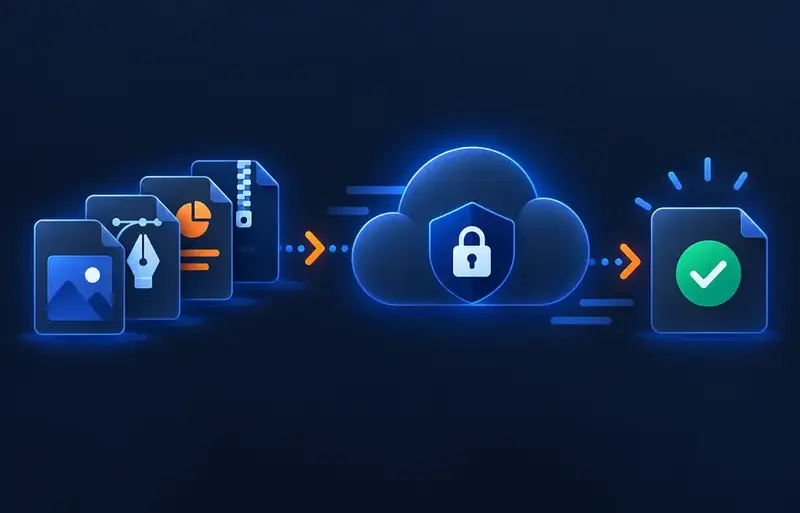
Four simple steps to send big files.
1. Upload
Select your large files or folders.
2. Choose Method
Enter an email or generate a sharing link.
3. Transfer
Click Transfer to securely upload your files.
4. Deliver
Your recipient gets a professional download page.
Powerful features for large transfers.
Guest free transfers up to 7GB
Create a guest delivery link with a three-day expiry.
Registered free transfers up to 30GB
Use a registered free delivery with a seven-day expiry.
Preview before sharing
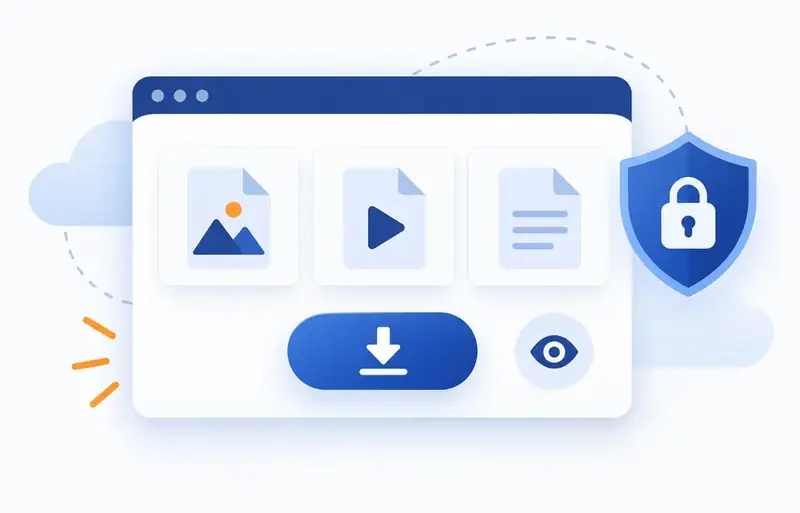
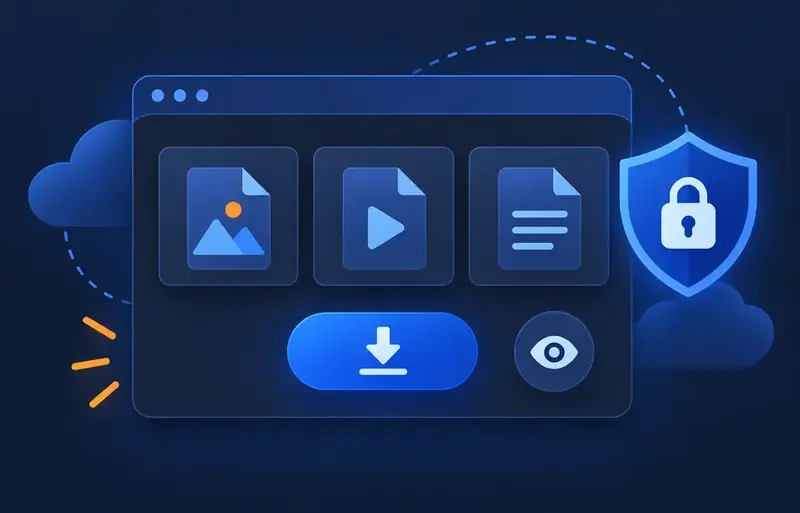
Preview supported files after upload and confirm the delivery before sharing the link.
Password protection
Keep your sensitive deliveries secure with custom passwords.
Custom expiry
Set links to expire when you want them to.
Disable downloads
Share supported files for online preview only.
Learn more about our secure file-sharing controls for your deliveries.
Built for Professional Deliveries
Whether you're delivering final client assets, sending RAW photography, or sharing high-resolution design files, SendByCloud ensures your work arrives safely and looks great doing it.
Create a Free Account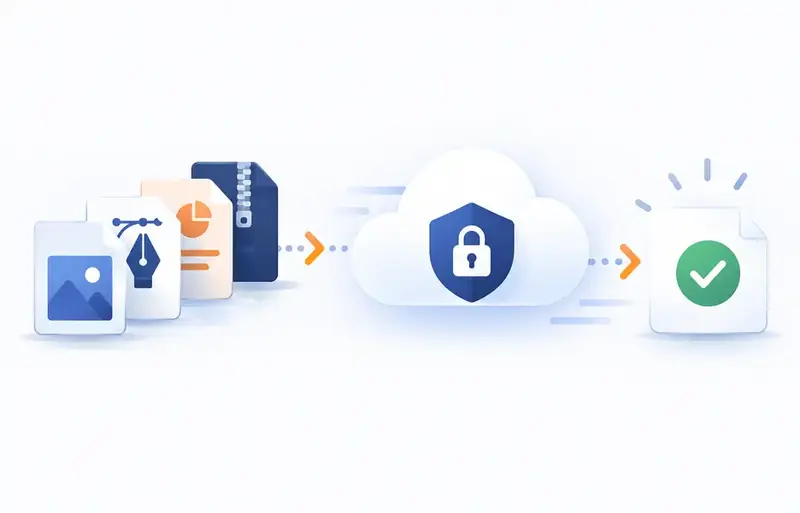


Large Video Delivery
Video files are notoriously large. SendByCloud handles massive video files with ease. Supported video formats can even be previewed directly in the browser by your recipient, saving them from downloading huge files just to review them.
A Better Recipient Experience
Your clients don't need an account to download the files you send. They get a clean, ad-free download page that focuses entirely on your work. It's fast, professional, and frictionless.
Frequently asked questions
Start sending large files
Move beyond email attachment limits and deliver your files through a secure, professional sharing link. Guest free transfers support up to 7GB with a 3-day expiry, while registered free transfers support up to 30GB with a 7-day expiry.