Control Who Can Access Your Shared Files — and for How Long
Share important files through a professional delivery link with password protection, expiry settings, one-time download controls and visible delivery activity.

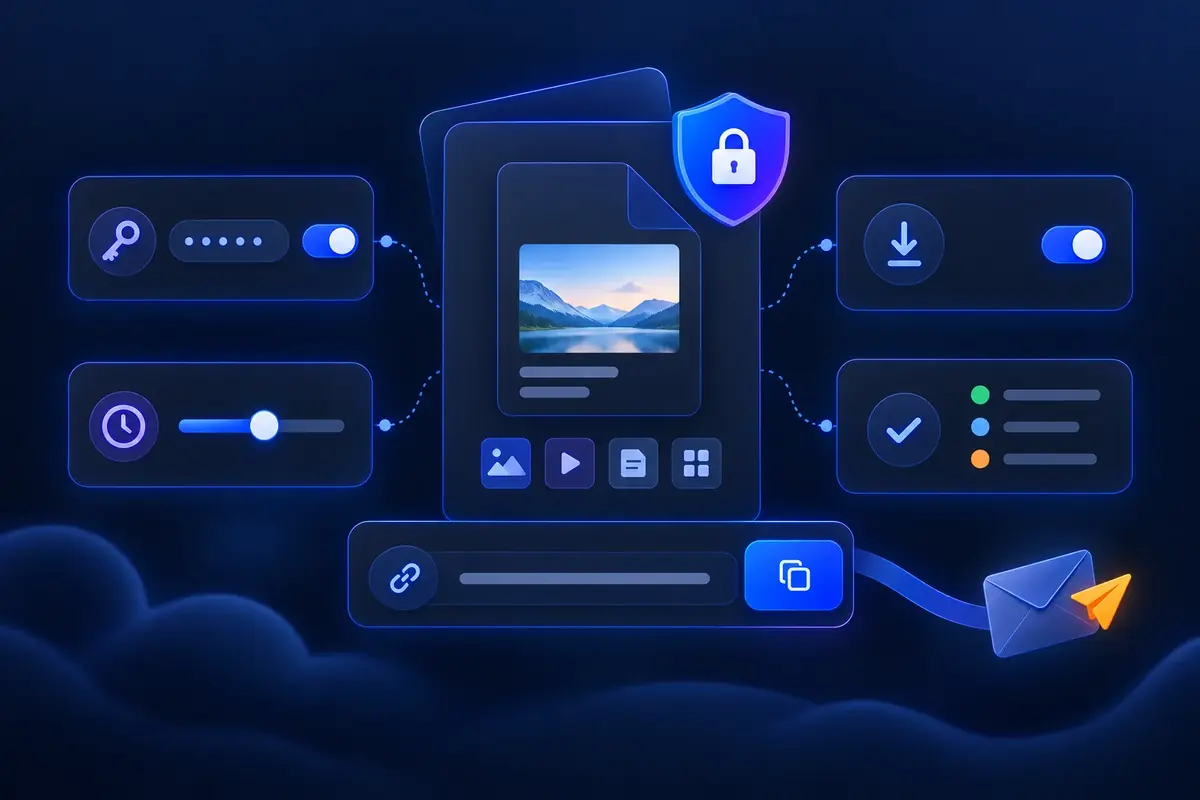
Share Important Files with More Control
A shareable link is convenient, but important deliveries often need more than convenience. SendByCloud gives you practical controls over access duration, download availability and delivery activity, so you can choose settings that fit each transfer.
Protect access
Add a password before sharing the delivery link.
Set clear availability
Use expiry settings so a delivery does not remain active indefinitely.
Keep activity visible
See recipient view and download activity from the delivery workflow.
Choose the Right Controls for Every Delivery
Password Protection
Add password protection to selected delivery links and share the password separately with the intended recipient.
Link Expiry
Choose an expiry setting so access to the delivery ends according to the applicable transfer rules.
One-Time Download
Limit a delivery to one successful download when the file should only be retrieved once.
Automatic Removal After Download
When enabled, the SendByCloud-hosted file can be removed automatically after the permitted download is completed.
Explore password-protected file sharing and expiring or one-time-download links.
How Secure File Sharing Works
1. Add Your Files
Upload the files you want to deliver or bring them in from a supported shared link.
2. Review the Delivery
Preview supported files after upload and confirm that the correct content is ready before sharing.
3. Choose Your Controls
Add password protection, select the appropriate expiry setting and enable one-time download or automatic removal when needed.
4. Share and Track
Send the delivery link to the recipient and keep genuine view and download activity visible from your SendByCloud account.

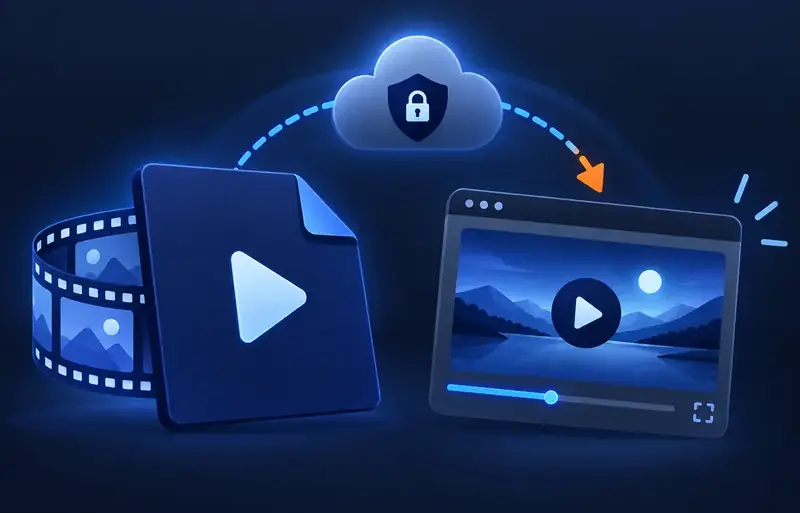
Let Recipients Preview Before Downloading
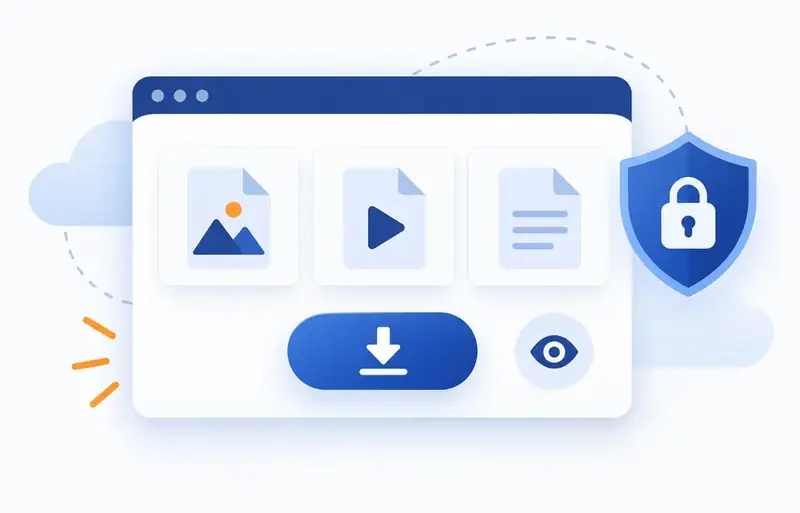
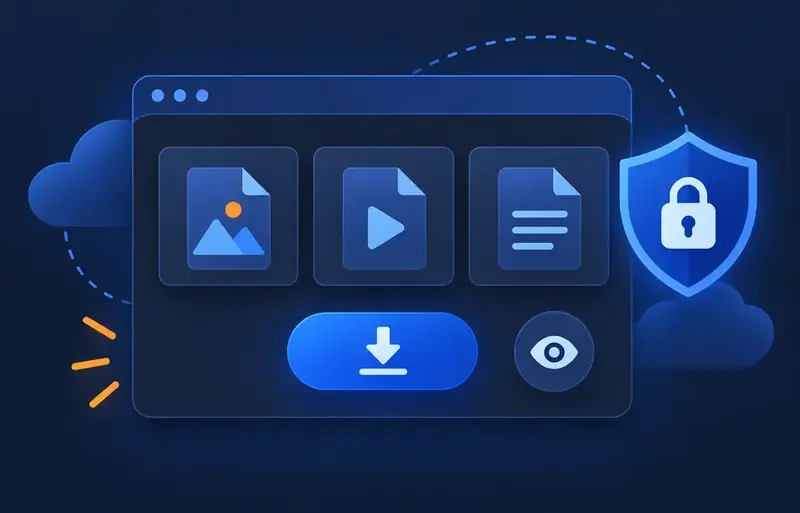
Recipients can preview supported files from the delivery page before deciding whether to download. Supported PDFs, images, videos, audio and compatible documents can be reviewed through the browser experience where preview is available.
Preview makes it easier to identify the right file and gives the recipient a cleaner delivery experience without downloading every item first.
- Delivery viewed
- File downloaded
- One-time download completed
- Delivery link expired
- Automatic removal completed
Know What Happens After You Share
Keep important delivery activity visible instead of relying only on follow-up messages. SendByCloud can show genuine recipient views, downloads, transfer status and expiry status at the delivery level.
Built for Files That Need Thoughtful Delivery
Client Deliverables
Deliver project files through a structured link with suitable access and expiry controls.
Time-Sensitive Transfers
Use expiry settings when the delivery should remain available for a defined period.
Important Documents
Add password protection and confirm the intended recipient before sharing important documents.
Media and Creative Files
Share videos, audio, images and supported documents through a professional preview and delivery experience.
Simple Practices for Safer File Sharing
- 1
Confirm the recipient before sending the delivery link.
- 2
Share the delivery password through a separate communication channel.
- 3
Choose an expiry period that suits the purpose of the transfer.
- 4
Use one-time download when the file should only be retrieved once.
- 5
Review delivery activity and remove hosted files when they are no longer needed.
Secure File Sharing FAQs
Send Important Files with the Controls You Need
Create a professional delivery link, choose the appropriate protection settings and keep delivery activity visible with SendByCloud.